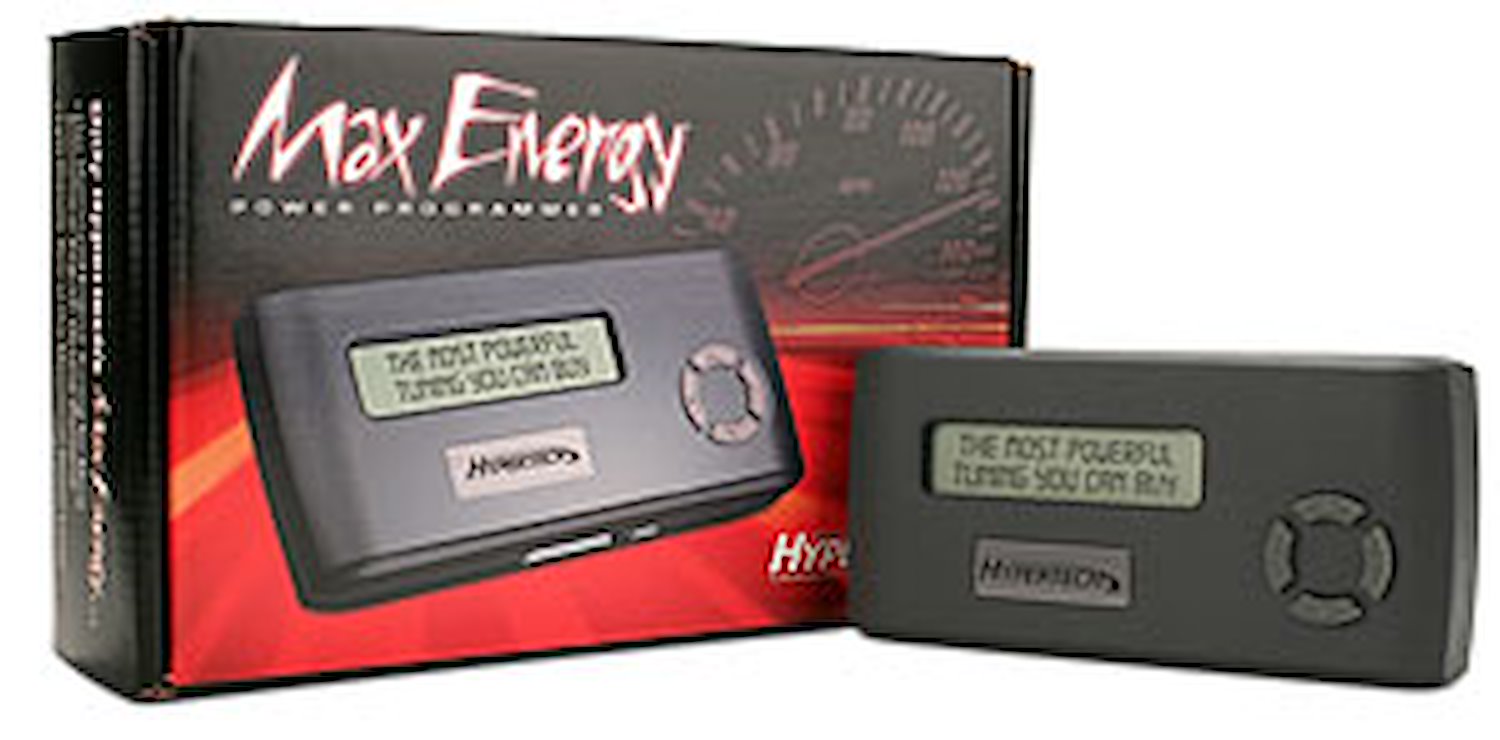
Hypertech 52503 - Hypertech Max Energy Programmers

Representative Image
Product images may differ from actual product appearance.
Hypertech#533-52503Dodge Max Energy Programmer |
||||
|
||||
...The Best Handheld Performance Tuner On The Market!
Max Energy Tuning extracts every bit of energy possible out of every molecule of fuel giving you more miles at part-throttle and more power at wide-open throttle. In order to increase engine efficiency, horsepower and torque, our engineers first optimize the spark and fuel curves point by point over the entire rpm band. With the additional power and optimized transmission functions, drivers use less fuel to accelerate and maintain cruising speeds without the torque converter un-locking and transmission down-shifting to a lower gear. The results are maximum power and fuel mileage.
Application, Power & Options Guides
Gas Vehicles
E-85/Flex Fuel Vehicles
Diesel Vehicles
Speedometer Calibrator
Top-Speed Limiter
Automatic Transmission Adjustments
Shift Points
Active Fuel Management
Because of this, you may desire the ability to disable the AFM system altogether. Hypertech has included the ability to disable this system as an option in the Max Energy Power Programmer. Rather than simply disabling the AFM system though, Hypertech developed optimized engine tuning in both V4 and V8 modes to improve the driveability of the vehicle. The improvements in power and efficiency can be felt during normal driving and when the pedal goes a bit further to tap into that incredible 8-cylinder power. These improvements could be just what you are looking for as an alternative.
0-60 Throttle Restriction
RPM "Rev" Limiter
Cooling Fan "On/Off" Temperatures
Read & Clear Diagnostic Trouble Codes(DTCs)
Return To Stock Or Change Option Settings
Internet Updateable
Gasoline
Diesel
Higher compression ratio engines and engines with superchargers or turbo chargers were designed to use only premium octane, so only one (1) Power Tuning program for premium octane is provided. But, if your car or truck came from the factory capable of using more economical regular octane, then two (2) optimized tuning programs are provided: one for premium, and the other for regular. In most cases, Hypertech's exclusive Power Tuning for regular octane provides excellent power gains, almost as much power as premium octane. If you are using premium octane, and you want all-out, maximum power, then select premium octane Power Tuning.
We recommend premium octane tuning for vehicles using E-85 fuel. The improved engine tuning will increase the part-throttle efficiency and wide-open throttle performance compared to the factory tuning.
Three (3) stages of Power Tuning are available. Even the highest power level, Stage 3, maintains safe EGTs while towing the maximum weight specified by the vehicle's manufacturer. No other tuner offers this level of power for towing. Hypertech's low EGTs, proper transmission shifting and superior tuning that doesn't require de-fueling, giving the Max Energy Power Programmer the performance advantage.
If you've installed tires that are larger or smaller than original equipment tires, or if you have installed a ring and pinion gear set with a different rear gear ratio, the Max Energy allows you to re-program for correct speedometer and odometer readings, as well as correct part-throttle shifting. The vehicle's computer calculates your vehicle's speed based on the diameter of the stock tires. If you've installed taller or shorter tires, or changed the rear gear ratio, the vehicle's computer doesn't know how fast your vehicle is going. As a result, the automatic transmission may not shift correctly and the speedometer readings will not be accurate (as required by law).
Automobile manufacturers limit a vehicle's top-speed to match the speed rating of the factory-installed tires. If you have installed tires that have a different speed rating, the Max Energy allows you to raise or lower the vehicle's top-speed limiter to match the speed rating of the newly installed tires. A tire's speed rating for maximum safe speed under perfect conditions is marked on its sidewall. Always obey all traffic laws when driving and only use this feature for off-highway competition in sanctioned events.
Shift Firmness
Increase shift firmness to maximize performance or when towing, to reduce clutch slippage and transmission oil temperatures. That means longer transmission life. However, this feature must not be used If you have installed an aftermarket shift kit.
The Max Energy allows you to raise or lower the shift points in 100 RPM increments for maximum performance, quicker acceleration, and better 1/4-mile times. With the Max Energy Power Programmer, you have the ability to customize the shift points for every gear. Optimizing each shift point can definitely improve performance.
The Active Fuel Management (AFM) is GM's system for disabling multiple cylinders while driving at light loads. Although this system is very advanced, there is some minor sacrifice in the driveability when the AFM is active, or during the transition to 4-cylinder and 8-cylinder modes.
The "selectable throttle restriction" tunes the engine control systems for better low speed performance without sacrificing driveability, but it does not disable the torque management completely. There are many different torque management systems active at any given time while driving. During our tuning development we altered most of these systems in different combinations to assess the impact on performance, and driveability. We took the best combination of those changes and combined them with further tuning to improve the overall performance and driveability under all driving conditions. The overall affect was so dramatic we felt that all customers would benefit more if the changes were user selectable rather than "forced."
In today's vehicles, the onboard computer controls maximum engine rpm. The stock computer is programmed to shut down the engine when it reaches its redline. But if you have modified your vehicle to increase its high-speed performance, more rpm means more power. When you shift gears with the stock rpm limit, the engine falls back to below the peak of its horsepower curve. When you extend the engine's rpm range with the Max Energy Power Programmer, your engine has more power available after gear changes. By adjusting the maximum rpm to keep the engine in the "sweet spot" of its power curve, you can increase the average horsepower that accelerates the vehicle.
The Max Energy allows you to adjust the "on/off" temperatures of your vehicle's electric cooling fans to match a lower temperature thermostat, such as a Hypertech PowerStat. A low-temperature thermostat produces a cooler, denser intake charge, is less likely to detonate under heavy loads and allows the engine to make more power.
If you get a "check engine" light or "service needed" message, the Max Energy will allow you to read the code and gives you the ability to clear the code and turn the "check engine" light off. You can then make the necessary repairs to prevent the light from coming back on.
Hypertech's Max Energy downloads and saves the stock tuning program, then uploads your customized Power Tuning program. Before taking your vehicle into a dealership for service, always return the vehicle's computer back to the factory programming. Once you have the vehicle back from the dealership, reinstall the Max Energy Power Programming as before. The Max Energy can only be used on one (1) vehicle at a time, so if you sell your vehicle or want to use it on a friend's vehicle, simply return your vehicle to the stock tuning program and you may then use the programmer on another vehicle that is covered in the same part number.
The Max Energy Power Programmer comes with a USB cable and a CD containing software to enable quick updates over the internet. If your vehicle has a new calibration not available when your Max Energy Power Programmer was manufactured, it is possible that you will see a "Cal not found" message on the Max Energy screen. If this occurs, you can simply update your Max Energy with the correct new calibration via the internet. Simply connect the Max Energy (using the provided USB cord) to your computer and go to www.hypertech.com. Then click on the Support button to get update downloads. You can also get the update downloads using the CD which also contains an installation video and a printable version of the instruction manual.